What If Your Vibe-Coded Project Goes Down Overnight? A Practical Monitoring Guide
A project built with vibe coding can experience Downtime without you noticing. Learn which endpoints to monitor, what to check after every deployment, and how to start protecting your project for free.
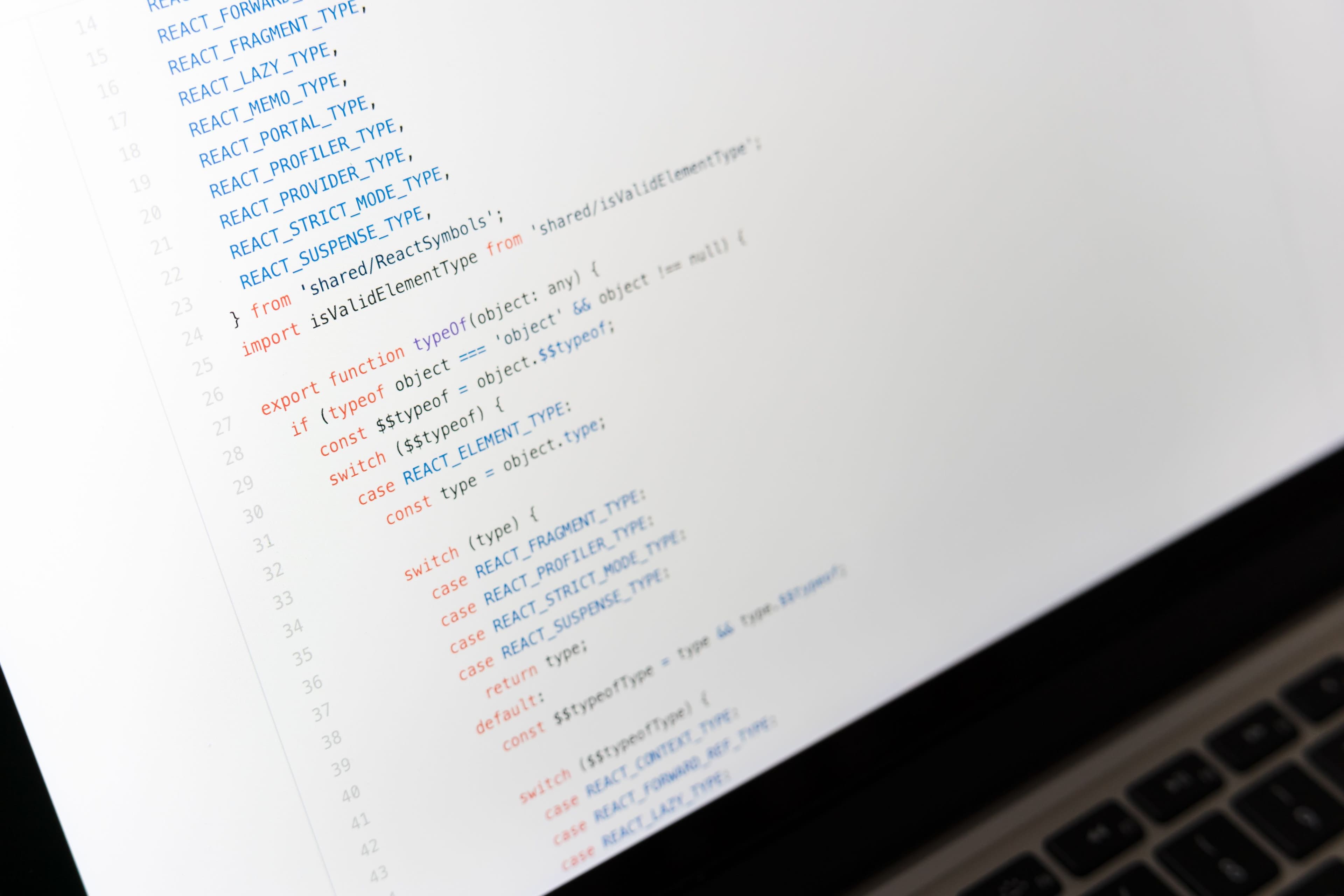
Vibe coding makes it possible to turn an idea into a working project in just a few hours. You describe what you want, shape the code with AI, and publish the result. But who notices when something breaks in production while you are asleep?
Fast development and fast releases are powerful advantages. They do not remove the need to verify that your project is actually working. In fact, a small deployment mistake, a broken API response, or a failed Database connection can reach your users before it reaches you when Monitoring is not in place.
The Hidden Risk of Vibe Coding: Production That Only Looks Healthy
A project that works locally may behave differently in production. An Environment variable may be missing, a hosting timeout may be configured differently, or a query may become slow as real data grows.
AI-assisted development is excellent for moving quickly. You focus on the working result instead of reviewing every line from the beginning. That is ideal for a prototype, but production reliability needs a safety net: Monitoring.
What Should You Monitor?
You do not need to monitor everything at once. Start with the points that directly affect the user experience:
- Homepage and critical pages - Are the pages users see first available, and is the response time acceptable?
- API endpoints - Do health checks, data endpoints, and frontend APIs return the expected status code?
- Login and payment flows - Monitor the critical actions users need, not just public pages.
- Database connection - Is the PostgreSQL or MySQL Database your application uses reachable?
- Post-deployment flow - A successful build does not prove that the real URL is responding correctly.
A 200 OK Does Not Mean Everything Is Fine
Monitoring is not just about checking whether a site opens. An endpoint can return 200 OK while the response contains an error, expected content is missing, or the page is too slow to use.
Track three signals together: status code, response time, and response content when possible. This helps you catch a system that is starting to degrade, not only one that has completely gone down.
Without Monitoring, Your Users Will Notice First
When users encounter a broken page, they rarely send you a technical report. They close the tab, do not return, or share the problem elsewhere. By the time you inspect the logs, the issue may already be gone and you may not know how long it lasted.
Uptime Monitoring gives you three advantages: detect the problem before users do, alert the right person immediately, and track the Incident with a clear timeline. A Status Page can also reduce uncertainty for your customers.
A 10-Minute Monitoring Checklist
- Identify your production URL.
- Create an HTTP / HTTPS Monitor for your homepage.
- Add separate Monitor checks for critical API endpoints.
- Choose a check interval that matches the importance of your project.
- Connect Email or Slack alerts to the right channel.
- Review Monitor history after every deployment.
Combine Vibe Coding Speed with Reliability
Vibe coding is not about building more slowly. It is about turning ideas into reality faster. Monitoring is not the opposite of that speed; it is the control point behind every release.
If your project is already live, do not wait for the next outage. Create your first Monitor with isthisthing.online in a few minutes, get alerted when Downtime happens, and act before your users notice.
Create your first Monitor today. Open your free account and verify that your project stays online while you sleep.